
Graffiti Tag Generator
Turn your name, gamer tag, or watermark into a fluid handstyle signature with authentic forward marker slant and an underline swoosh. Supports full uppercase, lowercase, numbers, and punctuation—export clean transparent PNGs or Blackbook hand-flow sheets free.
Click any letter on canvas to move or rotate · 2560×1600 PNG & SVG
6 Live Tag Presets · Click Any Card to Edit
Tag Graffiti Examples & Color Combos
Every card below is rendered live in Tag mode by the browser engine. Click any piece to load its exact word, wall, depth, and spray palette into the studio above.
Blackbook Study Layer · Sedgwick Ave Display + Swoosh
How to Draw Handstyle Tag Graffiti in 4 Steps
One-pass marker flow, a forward slant, and an underline swoosh.
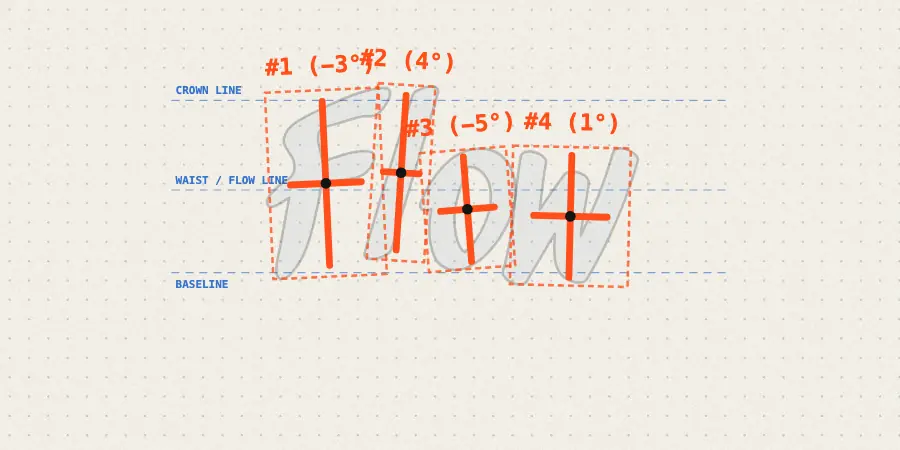
Forward Slant & Stroke Axes
Align every letter along a uniform forward tilt (-7° to -12°) so the whole tag moves across the page in one continuous rhythm.
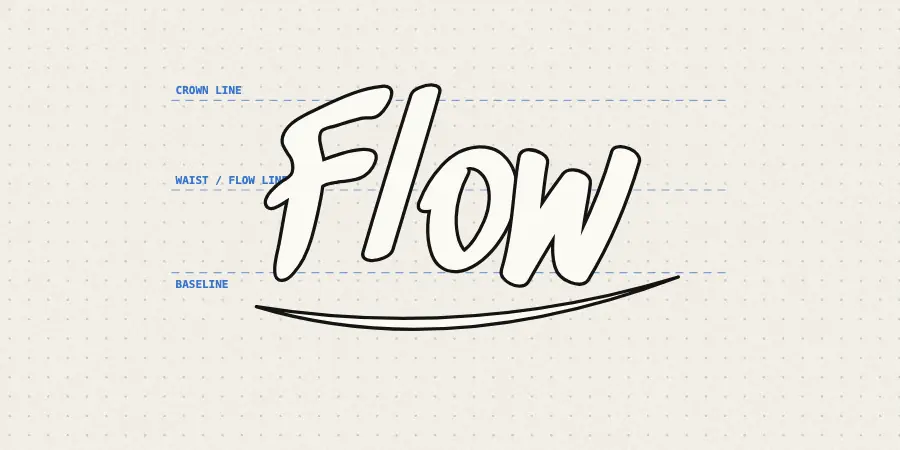
One-Pass Contour & Swoosh
Write fluid single-pass marker strokes, linking the baseline flow with a sweeping underline swoosh from start to finish.
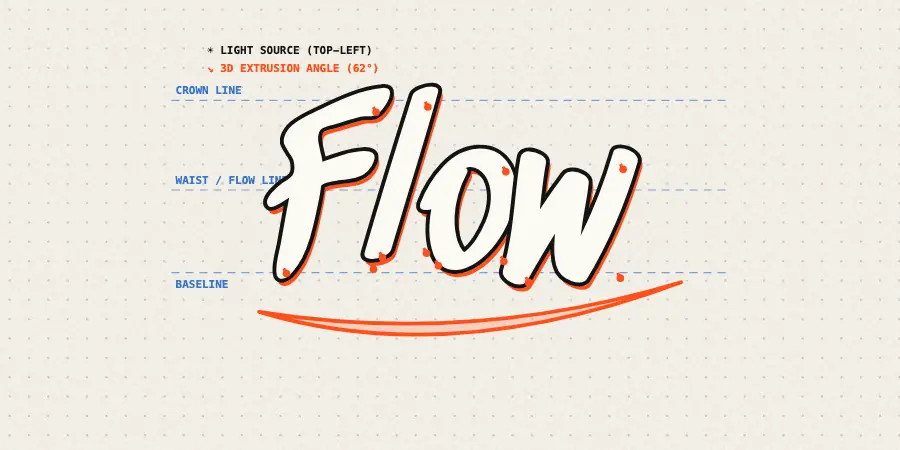
Subtle Shadow Anchor
Keep 3D projection minimal (0–20%) so the handstyle never loses its raw marker immediacy.

Ink Drill & Muscle Memory
Print the A4 Practice Sheet and repeat the tag in pencil then chisel marker—remember real handstyles come from thousands of hand reps.
- 01.Tag mode preserves mixed case by default—combining a tall capital initial with lowercase letters creates natural signature rhythm.
- 02.For clean photography or artwork watermarks, turn Outline Off, Depth to 0, Drips to 0, and export Transparent PNG or SVG.
- 03.If you want thicker calligraphic chisel edges with diamond sparks, compare your word in Chisel style.
2D Matrix Synergy · Study Individual Characters in Handstyle Tag
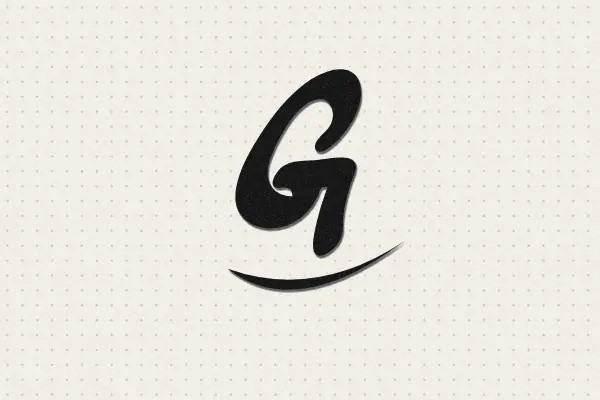
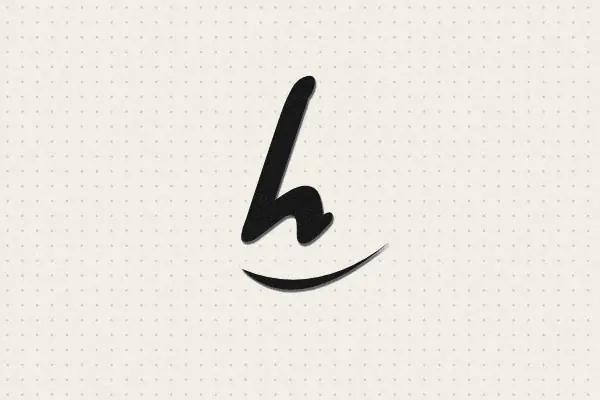
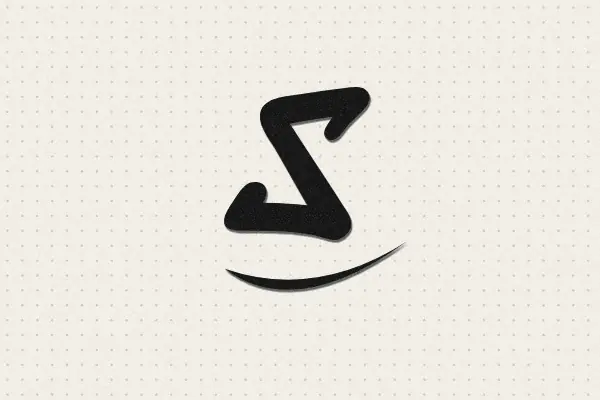
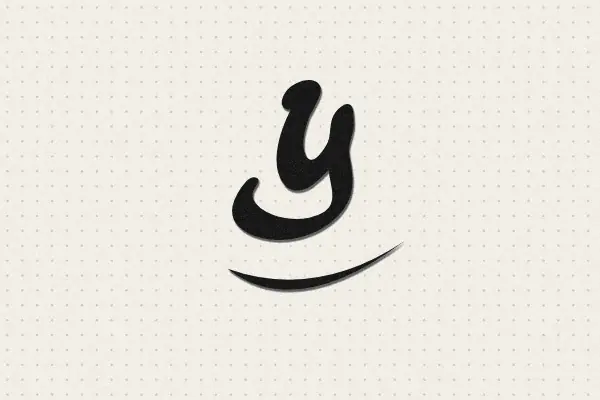
Handstyle Tag Graffiti Letters A–Z
Inspect how individual letters form bars, cutbacks, and 3D shadows in Handstyle Tag. Click any letter below to open its dedicated studio pre-loaded with Tag.



How Handstyle Tag Compares to Related Styles
| Style | Tradition & Era | Readability | Max 3D | Primary Uses |
|---|---|---|---|---|
| Handstyle Tag | Signature · Philadelphia · 1960s | High | 8% | Watermarks, signatures, and hand-flow drills. |
| Chisel → | Broad nib · West Coast · 2000s | High | 14% | Hoodie prints, tattoo concepts, and flyers. |
| Throw-up → | Two-color fill · NYC transit · 1970s | High | 16% | Screen prints, streetwear, and slaps. |
| Stencil → | Cut-out spray · Paris & Bristol · 1980s | Very High | 10% | Posters, laser-cut templates, and merch. |
Tag Skeleton License
- Vector Skeleton
- Sedgwick Ave Display + Swoosh
- Type Designer
- Vicente Lamónaca
- License
- SIL Open Font License 1.1
Cleared for personal signatures, photography watermarks, merch tags, and client branding.
Handstyle Tag Q&A
Handstyle Tag Graffiti FAQ
Answers on handstyle tag letter structure, SVG/PNG export, and commercial rights.
What is the difference between a graffiti tag and a piece?
A tag is a writer's fast, single-color calligraphic signature—born in late-1960s Philadelphia—whereas a piece (short for masterpiece) is a larger multi-color outlined artwork.
Does this graffiti tag generator support lowercase letters and numbers?
Yes. Tag mode preserves uppercase/lowercase by default (e.g., Flow or Style26!) and supports numbers 0–9 plus punctuation marks like !@#$.
Can I download a transparent graffiti signature for my photos or videos?
Yes. Click Transparent PNG or Download SVG in the studio above—it exports your tag cleanly with zero background and zero watermark.
Can a generator replace practicing a real handstyle?
No—digital tags are great for digital watermarks, mockups, and studying letter slant, while genuine street handstyle comes from filling notebooks by hand.